From the binder
Example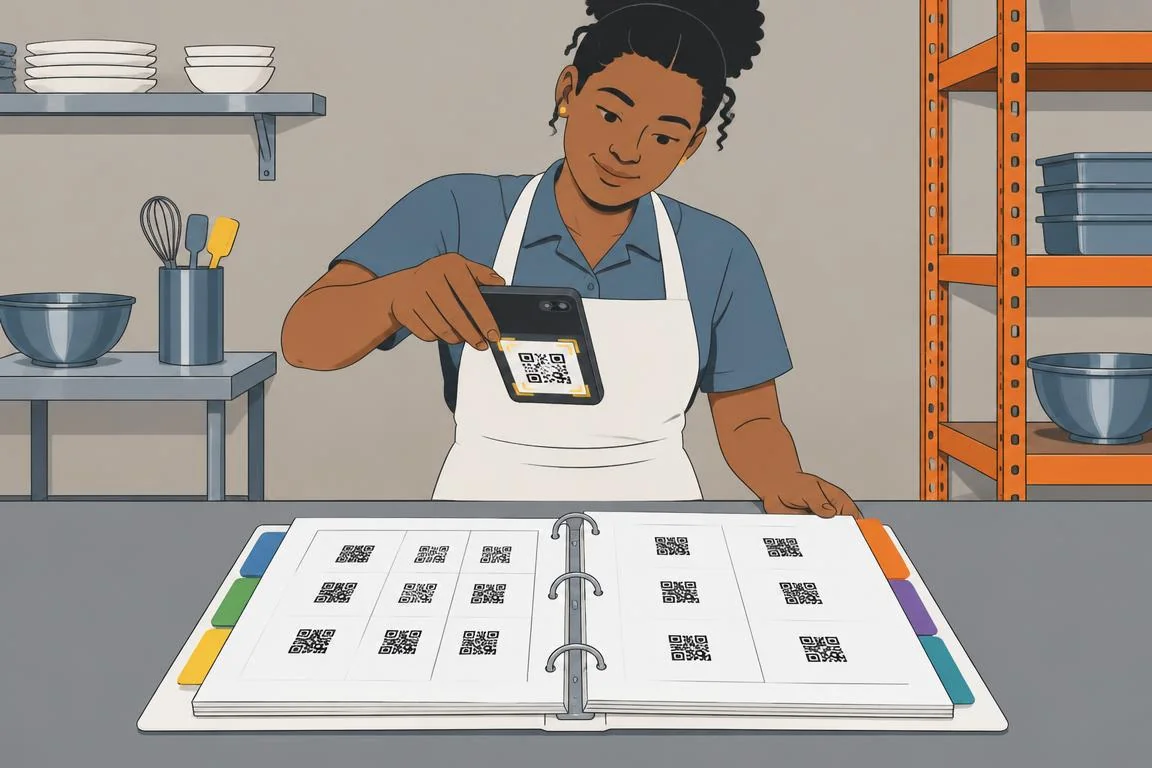
Chicken thighs · 40 lb → added to Kitchen list
- Proteins
- Produce
- Dairy
- Dry goods
- Condiments
- Cleaning supplies
- Paper & disposables
- Beverages

Staff add what they need by name. The app knows where each item is bought, so your shopper gets one trip sorted by store, with every receipt kept.
14 days free. No card. Running the same day.
ExampleHarbor & Vine · fictional restaurant group
Type an item or tap one below. Just the name, no store.
The store's sign lights up and the item lands on its shelf.
Every area's items, already grouped by store.
Each item goes to the store where you buy it.
Each item goes to the store where you buy it.
Valley Wholesale Club
Sunrise Produce Co.
Metro Restaurant Supply
A sheet on the walk-in door, another behind the bar. Someone has to collect them and copy them out.
“Did anyone ask for limes?” Nobody can say who ordered what, or whether it was already bought.
Crumpled in a pocket or a cup holder. At month end, nobody knows what the bar actually spent.
Add your areas, vendors and products, or import them from a spreadsheet. Give each person a 5-digit PIN.
Print labels by category for a binder at each station, or stick them on shelves and racks.
A cook scans the label and taps Add. The item lands on that area’s shared list with their name on it.
The shopper starts one trip, walks each store once, checks items off and photographs the receipt.
Every product gets its own QR code. Keep the codes in a binder at the station or stick them on the shelf edge. Either way, staff scan what's running low and it lands on their area's shopping list.
Chicken thighs · 40 lb → added to Kitchen list
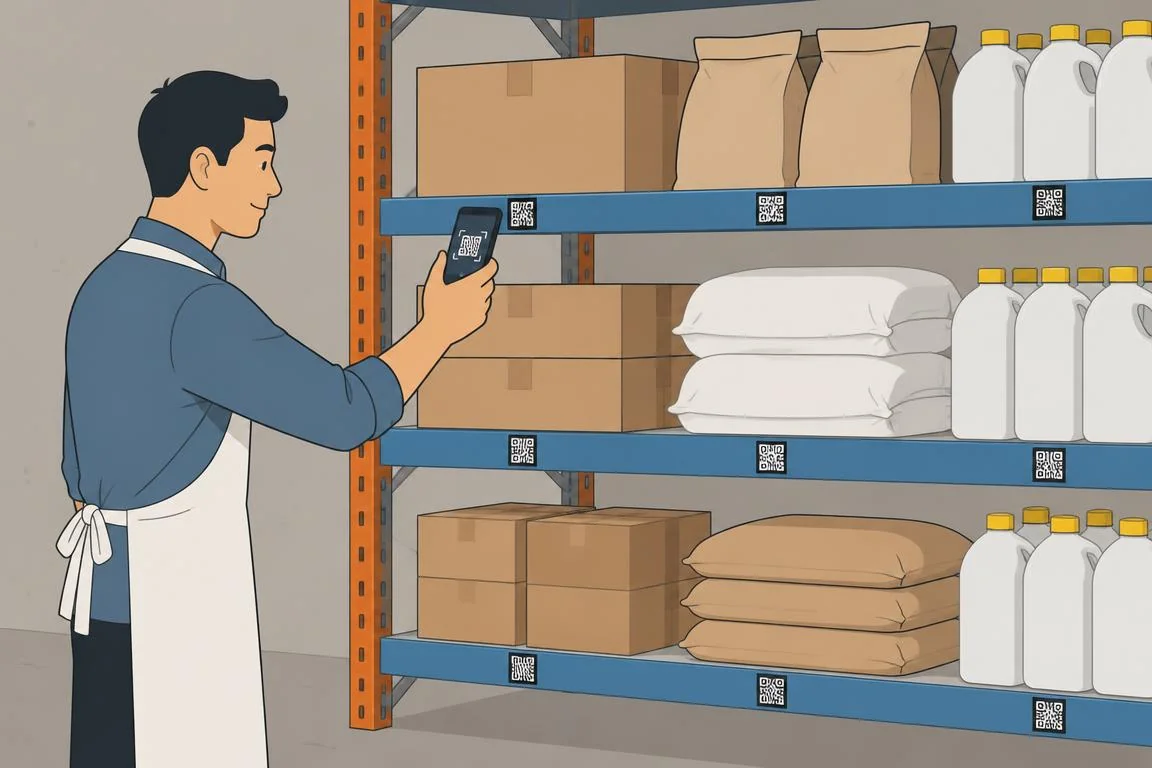
Canola oil · 35 lb → added to Kitchen list
Same QR codes either way. Print them from Web Admin, or ask us for adhesive or magnetic labels.
Most of what you buy already has a barcode. Scan it once and ShopperGO fills in the name, brand and size, so building your product list takes minutes instead of an afternoon of typing. Packaged goods need no label at all; keep QR labels for produce, bulk bins and house-made items.
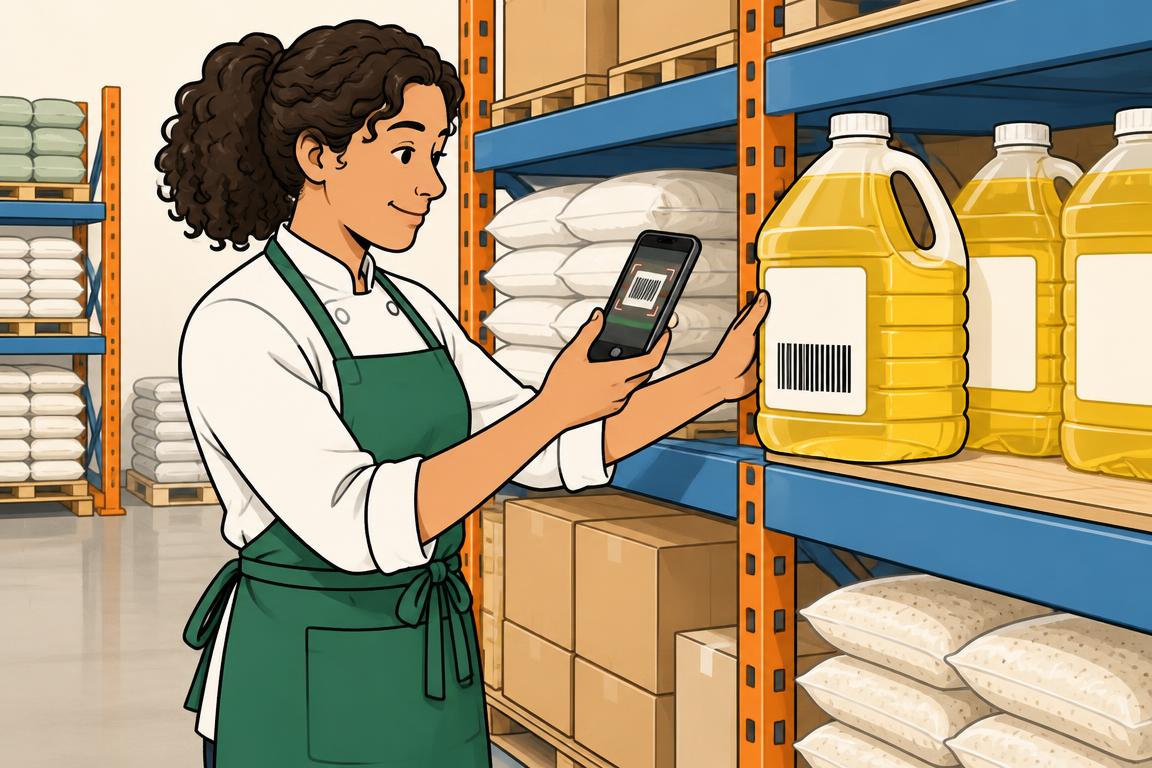
A package barcode, ready to scan.
Confirm the details before saving it to your restaurant’s product list.
No label printer? We'll print your QR codes on durable adhesive stickers or magnetic labels and mail them to you. Tell us what you need and we'll send a quote.
Already a customer? Pick the products in Web Admin and order binder sheets, shelf stickers or magnets online.
Quote on request
Request printed labelsFlour
Kitchen · 50 lb bag
Example
Flour
Kitchen · 50 lb bag
Example
Each area keeps one shared list. Cooks, bartenders and bakers scan a label with their phone or a shared tablet, and the item joins the list with their name. No typing, no training beyond “scan and tap Add”.
Every approved list merges into one trip grouped by vendor. Quantities add up across areas, and each item still shows who asked for it and how many.
Set up areas, vendors, products and staff from a computer. Print the QR binder. Look up any past list or trip and see who asked, who bought it, where, for how much, with the receipt photo.
Spend this week by location
| Location | Lists | Stops | Spend |
|---|---|---|---|
| Harbor & Vine Downtown | 9 | 7 | $3,184.40 |
| Harbor & Vine Airport | 6 | 5 | $2,216.75 |
| Vine Street Bakery | 5 | 4 | $1,408.20 |
| All locations | $6,809.35 | ||
Set a food budget by location for the month, the quarter or the year, by category or down to a single product. As your team buys, you see what's spent, what's left and whether costs are going up or down.
A built-in cost analyst: see whether costs moved because of price, volume, new items or a different store.
See budget managementTry the price-or-volume exampleHarbor & Vine Downtown · October 2026
Budget
$18,400
Spent
$12,730
Remaining
$5,670
On pace for
$18,150
Produce$2,680 of $3,200
84% · over pace
Proteins$3,520 of $5,600
63%
Dairy$1,480 of $2,400
62%
Dry goods$1,730 of $3,100
56%
…and 2 more categories.
See what every restaurant is ordering and from which vendor, compare weekly spend per location, and keep each person scoped to the locations they work at.
Try it on this week's run.
14-day free trial, no card required. Set up today, print your labels, shop tomorrow.